


In this guide: SAP Business One retail inventory management explained end to end — what it does, the features that matter, and how to roll it out in your stores.
the module gives growing retailers enterprise-grade stock control without enterprise complexity. Every store, warehouse, and sales channel reads from one live database — so the quantity on the shelf, the quantity in the POS, and the quantity in the ERP are always the same number.
For retailers running on spreadsheets or entry-level POS tools, this is the step change: purchasing, warehouse, and finance finally work from one system. In this guide you will learn how SAP Business One handles multi-store inventory, which features matter most, and how the Retail Pro AI layer from AIS Business Corp adds AI-powered forecasting, chatbot reporting, and automated replenishment on top.
How SAP Business One Handles Multi-Store Inventory
SAP Business One retail inventory management: Key Considerations
SAP Business One retail inventory management enables enterprise teams to make faster, data-driven decisions. Organizations implementing sap business one retail inventory management report significant efficiency gains and reduced manual effort.
At the core, SAP Business One tracks every item with warehouses — and a warehouse can be a store, a stockroom, a distribution center, or even a logical split like consignment stock. Each transaction, from a POS sale to an inter-branch transfer, posts instantly to the item’s stock ledger with full cost and valuation detail.
Because inventory lives in the same database as purchasing and finance, the numbers stay consistent. Goods receipt creates the stock movement and the supplier liability together; a store transfer updates quantity and inter-branch cost in one action. Month-end surprises disappear because there is nothing to reconcile.
Serial numbers and batch tracking come standard, which matters for electronics, pharma, grocery, and any category with expiry dates or warranty obligations. Cycle counting replaces the annual stock-take shutdown, keeping records honest without closing stores.
Key Features for Retailers in SAP Business One
Out of the box, SAP Business One covers the essentials that retail inventory management demands:
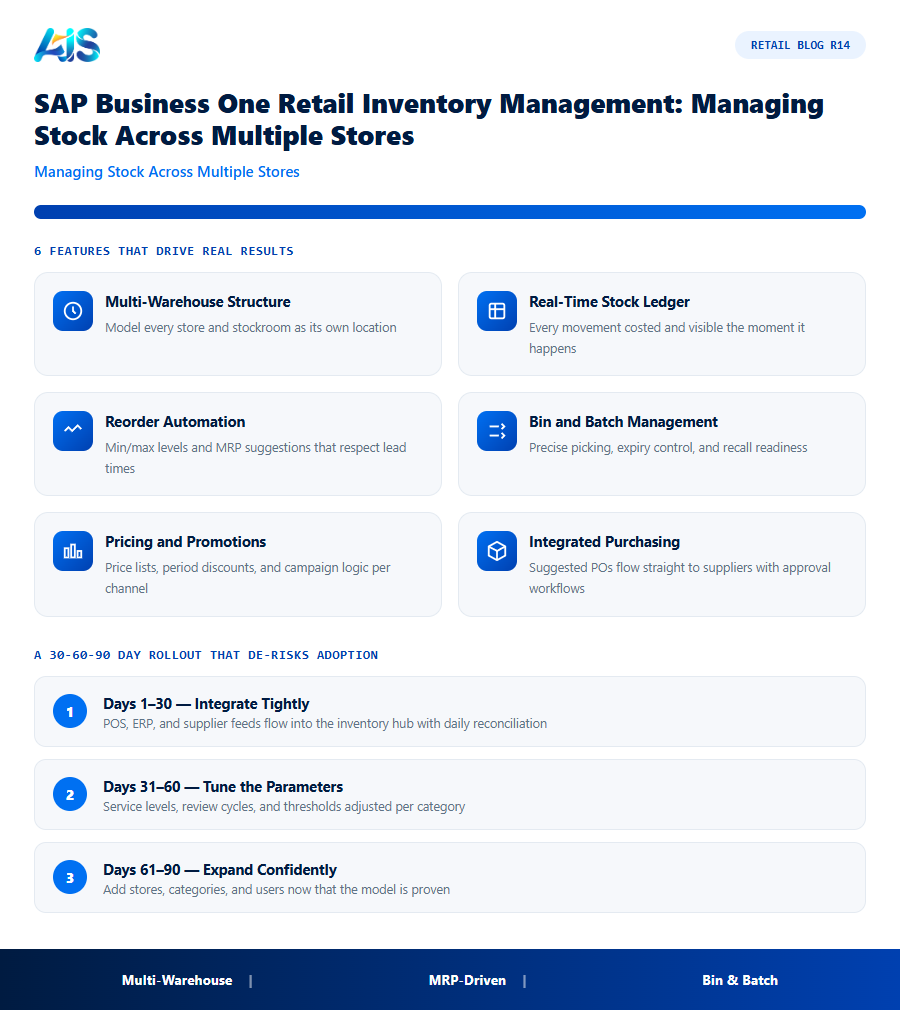
- Multi-warehouse structure — model every store and stockroom as its own location.
- Real-time stock ledger — every movement costed and visible the moment it happens.
- Reorder automation — min/max levels and MRP suggestions that respect lead times.
- Bin and batch management — precise picking, expiry control, and recall readiness.
- Pricing and promotions — price lists, period discounts, and campaign logic per channel.
- Integrated purchasing — suggested POs flow straight to suppliers with approval workflows.
Where SAP Business One Retail Inventory Management Falls Short — and AI Closes the Gap
Honest answer: out of the box, SAP Business One tells you what is happening, but it does not predict or converse. Buyers still write their own reorder quantities, and managers still export data to answer simple questions. For a ten-store retailer those gaps cost real hours every week.
That is the gap the Retail Pro AI layer from AIS Business Corp closes: AI demand forecasting that sizes replenishment per store, exception alerts before stockouts occur, and a chatbot that answers questions like which stores are low on a given SKU — in seconds, with exportable Excel and PDF reports.
Is SAP Business One Right for Your Retail Business?
SAP Business One suits retailers outgrowing entry-level POS and accounting bundles: multiple stores, real SKUs, wholesale plus retail mix, or plans to scale. It is deliberately affordable for the mid-market and runs on-premise or in the cloud.
Pair it with an experienced SAP Business One partner and the Retail Pro AI layer, and retail inventory management stops being a monthly firefight — it becomes the engine that funds your next store opening.
The underlying ERP capabilities are documented in the SAP Business One overview, which Retail Pro AI extends for retail.
Replenishment mechanics follow our inventory management software guide..
How the Investment Pays for Itself
Boards do not buy software, they buy outcomes. For the module, the outcomes that matter are fewer stockouts, leaner inventory, and calmer teams — each of which can be quantified before you commit a single dollar.
A sensible target is full payback inside twelve months on a like-for-like store group. Most of our clients hit it sooner, because the inventory hub attacks several cost lines simultaneously rather than optimising one metric in isolation. Finance can verify every claim from the POS and the general ledger — no faith required.
Finally, weigh the cost of delay. Each season run on gut feel locks in another cycle of markdowns and missed sales that no later efficiency can recover. Pilots are cheap, reversible, and fast — the greater risk is spending another year with the same blind spots while competitors systematise their advantage.
A 30-60-90 Day Rollout That De-risks Adoption
Treat the rollout of the module as a retail season, not an IT project: short, intense, and judged on numbers. The 30-60-90 rhythm below is the pattern our most successful deployments share.
Scale in cohorts, not all at once. Each wave of stores inherits tuned parameters and battle-tested training from the last, so effort per store falls as coverage grows. By the final cohort, cutover is a routine operation rather than a project — exactly how enterprise rollouts should feel.
- Days 1-30 — integrate tightly: POS, ERP, and supplier feeds flowing into the inventory hub with reconciliation checks every morning.
- Days 31-60 — tune the parameters: service levels, review cycles, and thresholds adjusted per category until recommendations feel right.
- Days 61-90 — expand confidently: add stores, categories, and users now that the model is proven on real trading data.
Setting Up Multi-Store Inventory in SAP Business One
Getting SAP Business One retail inventory management right across multiple stores depends on a few configuration decisions made early, before the first store goes live:
- Warehouse structure — each store is typically set up as its own warehouse (or bin-managed sub-location), so stock levels, transfers, and counts stay accurate per location rather than blended into one chain-wide number.
- Item master consistency — barcodes, unit of measure, and pricing must be identical across stores in the same base currency and structure, or reporting and transfers will not reconcile cleanly.
- Inter-warehouse transfer approval flow — deciding which stores can transfer stock to each other directly versus which require head office sign-off avoids both bottlenecks and uncontrolled stock movement.
- Cycle count schedule — SAP Business One supports scheduled counts by location; setting a realistic weekly or monthly cadence per store keeps the system accurate without overloading staff.
Retailers who configure warehouse structure and item master rules correctly at the start avoid the most common SAP Business One retail inventory management headache: stock that looks accurate at the chain level but is wrong at the individual store level, because two branches recorded the same item slightly differently. A short data governance review before go-live, covering just these four points, prevents most of that rework later.
Stock Transfer Mechanics: How Inter-Branch Moves Actually Post
Understanding what happens technically when stock moves between stores helps retailers configure SAP Business One retail inventory management correctly rather than fighting the default behavior later. A store-to-store transfer in SAP Business One is not a simple quantity adjustment — it is a two-sided document: an inventory transfer request, optionally requiring approval, followed by the actual inventory transfer that decreases stock in the source warehouse and increases it in the destination warehouse simultaneously, with both sides valued at the item’s costing method.
For retailers using standard cost or moving average valuation, this matters at month-end: a transfer between two stores does not change the total inventory value on the balance sheet, but it does shift which store’s books carry that value, which affects branch-level P&L if the chain reports profitability per store. Retailers who skip configuring cost centers correctly per warehouse often find their branch profitability reports quietly distorted by transfers that should have been value-neutral at the chain level.
In-transit stock is another detail worth configuring deliberately. SAP Business One can track a transfer as in-transit between the request and the actual receipt at the destination store, which matters for retailers moving stock over multiple days between distant locations — without it, stock effectively vanishes from the system between the moment it leaves one store and the moment someone remembers to confirm receipt at the other.
Common SAP Business One Inventory Reports Retailers Rely On
Beyond the transactional screens, a handful of standard SAP Business One reports do most of the daily work for retail inventory management, and knowing which one answers which question saves time:
- Inventory Status report — on-hand, committed, and ordered quantities per item, per warehouse, the first stop for “how much do we actually have” questions.
- Inventory Valuation report — the financial value of stock on hand, essential for month-end close and for spotting a warehouse whose valuation looks out of line with its physical count.
- Inventory in Warehouse report — a store-by-store breakdown useful for comparing stock levels of the same item across locations before deciding on a transfer.
- Open Items List — outstanding purchase orders and transfers not yet received, the report buyers check before placing a duplicate order for stock that is already incoming.
Retail Pro AI’s conversational layer sits on top of exactly this reporting foundation, letting a buyer ask the underlying question in plain language rather than navigating to the right standard report and filtering it manually every time.
SAP Business One retail inventory management: Frequently Asked Questions
Can SAP Business One handle multiple retail stores?
Yes. Model each store and stockroom as a warehouse, run inter-branch transfers, and consolidate financials automatically — all in one real-time database.
Does SAP Business One include POS for retail?
SAP Business One integrates with leading retail POS systems and SAP Customer Checkout, so every sale posts to inventory and finance instantly.
What does the Retail Pro AI layer add?
AI demand forecasting, automated replenishment suggestions, exception alerts, and an AI chatbot that reports on live SAP data in plain language with Excel and PDF exports.
How long until we see ROI from SAP Business One retail inventory management?
Dashboard and alert value appears in weeks; measurable KPI movement — availability up, markdowns down — typically shows within one quarter on pilot stores. Full payback inside twelve months is the benchmark to hold vendors to, and most well-run rollouts beat it.
How does this kind of platform integrate with SAP Business One?
Through a native connector, the platform reads items, warehouses, purchase orders, and sales history directly from SAP Business One and writes back approved transactions — no re-keying, no nightly batch files. Platforms such as Retail Pro AI are built specifically for this integration, so stock, purchasing, and finance stay in one consistent database.
How is this kind of platform different from our POS reports?
POS reports describe what already happened; the platform decides what should happen next. It forecasts demand, generates orders and transfers, flags exceptions, and explains its reasoning — moving teams from backward-looking reports to forward-looking decisions.
the inventory hub gives growing retailers one live source of truth for stock across every store and channel — and the Retail Pro AI layer adds the forecasting, alerts, and conversational reporting that turn that data into daily decisions. If inventory accuracy is your bottleneck, this combination is the shortest path to control. The technology is proven, the payback is measurable, and the risk of a small pilot is minimal. What remains is simply the decision to let the inventory hub start earning its keep in your stores. See how Retail Pro AI brings SAP Business One retail inventory management together with AI inside SAP Business One — book a demo to see your own store data in action.
